
What's New for Release 2.28
Access the Knowledge Base here.
Sign Up to receive the latest updates on axe Auditor in an email.
What's New for Release 2.28
Support for RGAA Testing Standard
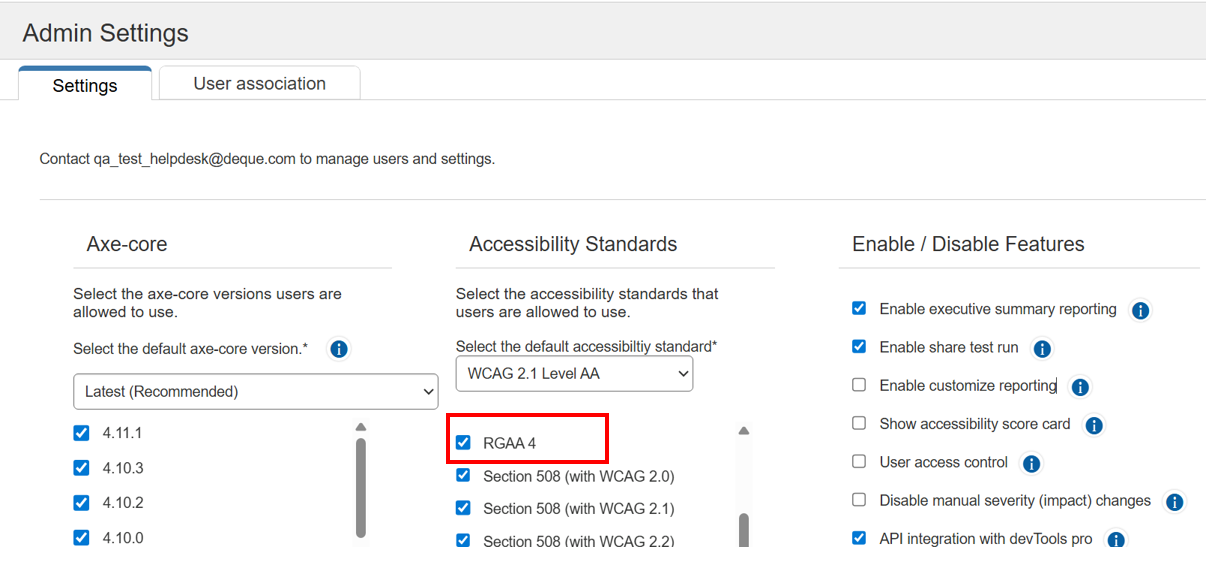
Axe Auditor now supports testing against RGAA, version 4, the official standard for digital accessibility in France. This update enables organizations operating in France to assess website compliance with RGAA guidelines directly within Axe Auditor. A new RGAA-specific template has been introduced for this standard. RGAA testing is supported only in the latest axe-core version (4.11.1) and will be included in all future axe-core releases. To perform automated test runs, users must enable the RGAA 4 option on the Admin Settings page under Accessibility Standards.
Admin Settings
Axe Auditor Logo Rebrand
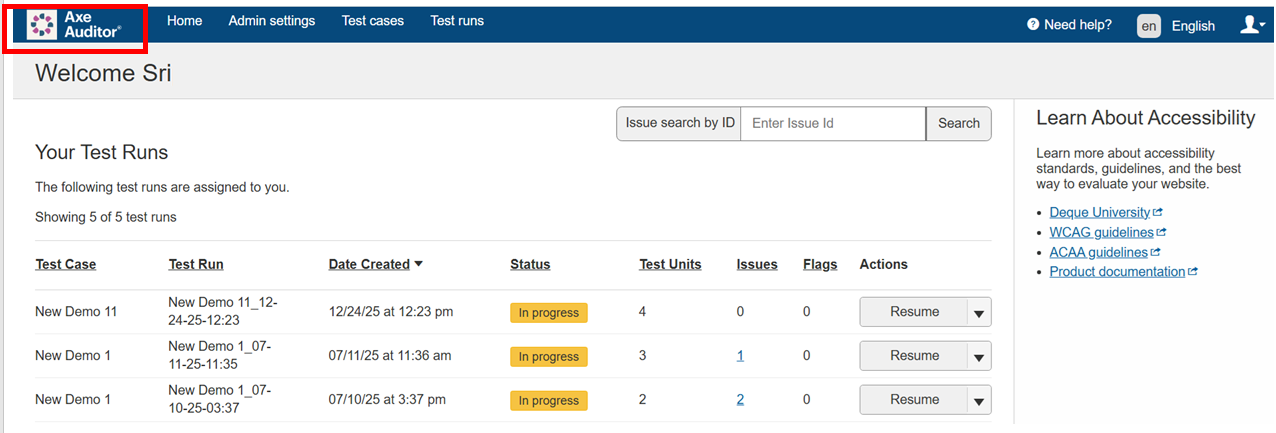
The Axe Auditor logo has been updated as part of our rebranding effort. The application now consistently displays across the application and in generated reports, including the navigation, footer, Test Run Completion Reports, and Audit Reports.
Axe Auditor New Logo
New Element “Selector” Added to Issue Exports
Exported issue data from Axe Auditor test runs now includes the element Selector in both CSV and JSON formats. This enhancement makes it easier to associate accessibility issues with specific page elements and integrate the data with internal tools.
Bug Fixes
- Removed duplicate rule ID fields from the axe Universal JSON export to eliminate redundancy.
- Resolved accessibility issues in the Axe Auditor application affecting keyboard and screen reader navigation across multiple screens in Safari on macOS.
Infrastructure Upgrade
- Deque Way version has been upgraded to 3.26.4
- Advanced rules are now supported while importing issues from devTools Pro
- Language translation issues fixed
- Clause 9 & 10 removed from testing standard EN 301549
- The axe-core version has been upgraded to 4.11.1.
Known Issues
- Performing automated testing on a component inside an iFrame triggers an error and displays a persistent loading icon.
- On the Issues list page, when users apply the Status filter as Open and the Groups filter as No Group, sorting the list by the Checkpoint column displays no records.
- When a user creates a new test run, selects that newly created test run from the "Product" drop-down filter, and then attempts to archive it, the archive action fails. After clicking "Archive" and entering "1" in the "Select test runs" confirmation field, the system displays "Error Transmitted data" error message instead of completing the archive process.
Browser and Driver Support
The following table describes the minimum and recommended versions on which Axe Auditor is actively tested and best supported.
| Browser | Min Version | Recommended Version |
|---|---|---|
| Chrome | 126.0.64 (LTS) | 144.0.x |
| Firefox | 128.13.0 (ESR) | 147.0.x |
| Safari | 18 | 26.2 |
| Edge | 128.0.27 (ESR) | 144.0.x |
Automated Testing: Supported Browser and Driver
The following table describes the supported browsers, the minimum and recommended versions to perform automated testing in axe Auditor.
| Browser | Min Version | Recommended Version |
|---|---|---|
| Chrome | 126.0.64 (LTS) | 144.0.x |
| Firefox | 128.13.0 (ESR) | 147.0.x |