
Pages View
The Pages view in axe Monitor® allows you to efficiently review, understand, and address the pages on your website where accessibility issues were found.
Navigation: From the main axe Monitor navigation bar, page >> Select Pages
Each page in your scan run has issue counts broken down by impact, a total issue count, and status from the scan run. To get more details on a page, click the eye icon.
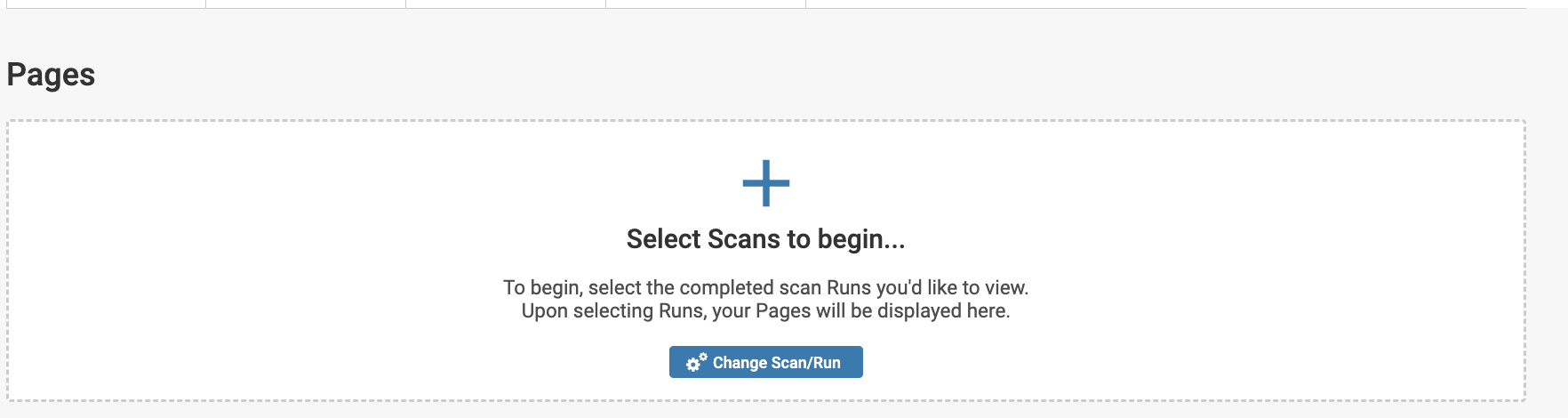
Note: You can only select those completed scan runs that have pages identified.
-
Change the Scan or Scan Run; select the Change Scan/Run button.
-
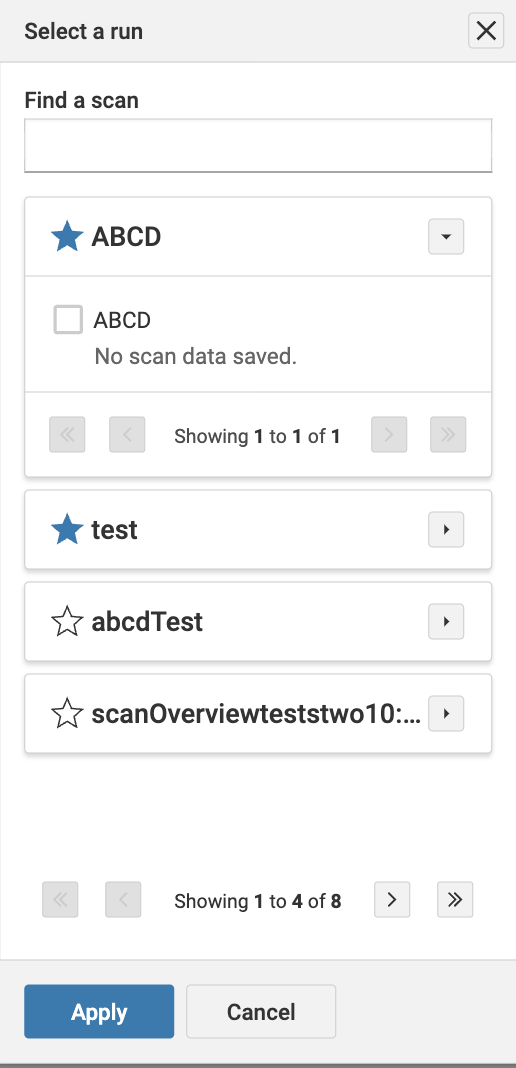
In the Select Runs modal, select the specific scan run.
-
Select Apply.
Customize your Pages list
Use the Filters button to narrow your Page list and focus on just the pages relevant to you.
| Filter Name | Description |
|---|---|
| URL | Sort the page URLs based two options. When using the "URL with Matches Exactly" option, you are specifying a particular URL or a pattern that must be exactly matched. The "URL Contains" option searches for pages containing a specified string in the URL. This search only includes portions of the URL after the primary domain. |
| Page Status | Options include: |
| Page Title | Pages comprising the specific page title. |
| Tag type | Search for issues with an existing tag. |
| Issue Group | Pages with issues involving a specific issue group, such as Alternate text issues, Links, Forms, Frames, etc. |
| Issue Description | Pages with issues matching a specific issue description. |
| Script | Pages with issues found when analyzing a specific script. |
| Created after | Filter only new issues since yesterday, today, a week ago, a month ago, or a custom date. |
| Created before | Filter only issues older than yesterday, today, a week ago, a month ago, or a custom date. |
| Page Health | Page with a specific health: Any, Critical, Serious, Moderate, or Good. Can be useful for planning remediation priority. |
| Show Pages | Select from either of the options: Show all pages, pages with issues, pages with no issues. |
| Severity | Show pages with results classified as issues or needs review. |
| Assigned To | Select only pages with issues assigned to a specific user. |
| Impact | Filter for pages with Critical, Serious, Moderate, or Minor issues. |
| Remediation | Show pages that have issues with remediation comments. |
| Conformance Level | Select pages with issues that match one of the available conformance levels. |
| Status | Show pages with all issue statuses, or Open, Fixed, or Ignored issues. |
| Page Source | Select Automated to show issues found by axe Monitor. Select Uploaded to show issues uploaded to axe Monitor. |
| Issue Type | Select Common to show only pages that have issues from Common Components. Common issues may be repeated on hundreds or thousands of pages but are reported only once. |
Use View By to show the Page list by Page Title or URL. Some sites may have repetitive page titles, and some may have long URLs. Choose the option that suits your needs.
Other Relevant Topics
| Filter Name | Description |
|---|---|
| URL | Sort the page URLs based two options. When using the "URL with Matches Exactly" option, you are specifying a particular URL or a pattern that must be exactly matched. The "URL Contains" option searches for pages containing a specified string in the URL. This search only includes portions of the URL after the primary domain. |
| Page Status | Options include: All: Every single testable URL encountered during the scan. |
| Page Title | Pages comprising the specific page title. |
| Tag type | Search for issues with an existing tag. |
| Issue Group | Pages with issues involving a specific issue group, such as Alternate text issues, Links, Forms, Frames, etc. |
| Issue Description | Pages with issues matching a specific issue description. |
| Script | Pages with issues found when analyzing a specific script. |
| Created after | Filter only new issues since yesterday, today, a week ago, a month ago, or a custom date. |
| Created before | Filter only issues older than yesterday, today, a week ago, a month ago, or a custom date. |
| Page Health | Page with a specific health: Any, Critical, Serious, Moderate, or Good. Can be useful for planning remediation priority. |
| Show Pages | Select from either of the options: Show all pages, pages with issues, pages with no issues. |
| Severity | Show pages with results classified as issues or needs review. |
| Assigned To | Select only pages with issues assigned to a specific user. |
| Impact | Filter for pages with Critical, Serious, Moderate, or Minor issues. |
| Remediation | Show pages that have issues with remediation comments. |
| Conformance Level | Select pages with issues that match one of the available conformance levels. |
| Status | Show pages with all issue statuses, or Open, Fixed, or Ignored issues. |
| Page Source | Select Automated to show issues found by axe Monitor. Select Uploaded to show issues uploaded to axe Monitor. |
| Issue Type | Select Common to show only pages that have issues from Common Components. Common issues may be repeated on hundreds or thousands of pages but are reported only once. |