Organize Scans
Projects
Axe Developer Hub projects hold accessibility results and detailed scan session information. You can sort projects by name or by type (web or mobile), or chronologically.
Scan Reports
In your Axe Developer Hub project, choose a scan session and select the View Report button to review a summary of that session's results. The summary page lists and groups accessibility issues by rule name, impact level, and the number of violations for that rule. Select a rule from the list to find comprehensive details about each instance of the issue - including where it was found in your app and how to fix it. This will link to our rule pages.
Sorting
By default, accessibility violations with the greatest impact level and issue count are at the top of the list. You can sort the list of issues by rule name or issue count instead, to align with what your team is focused on fixing first.
Filtering
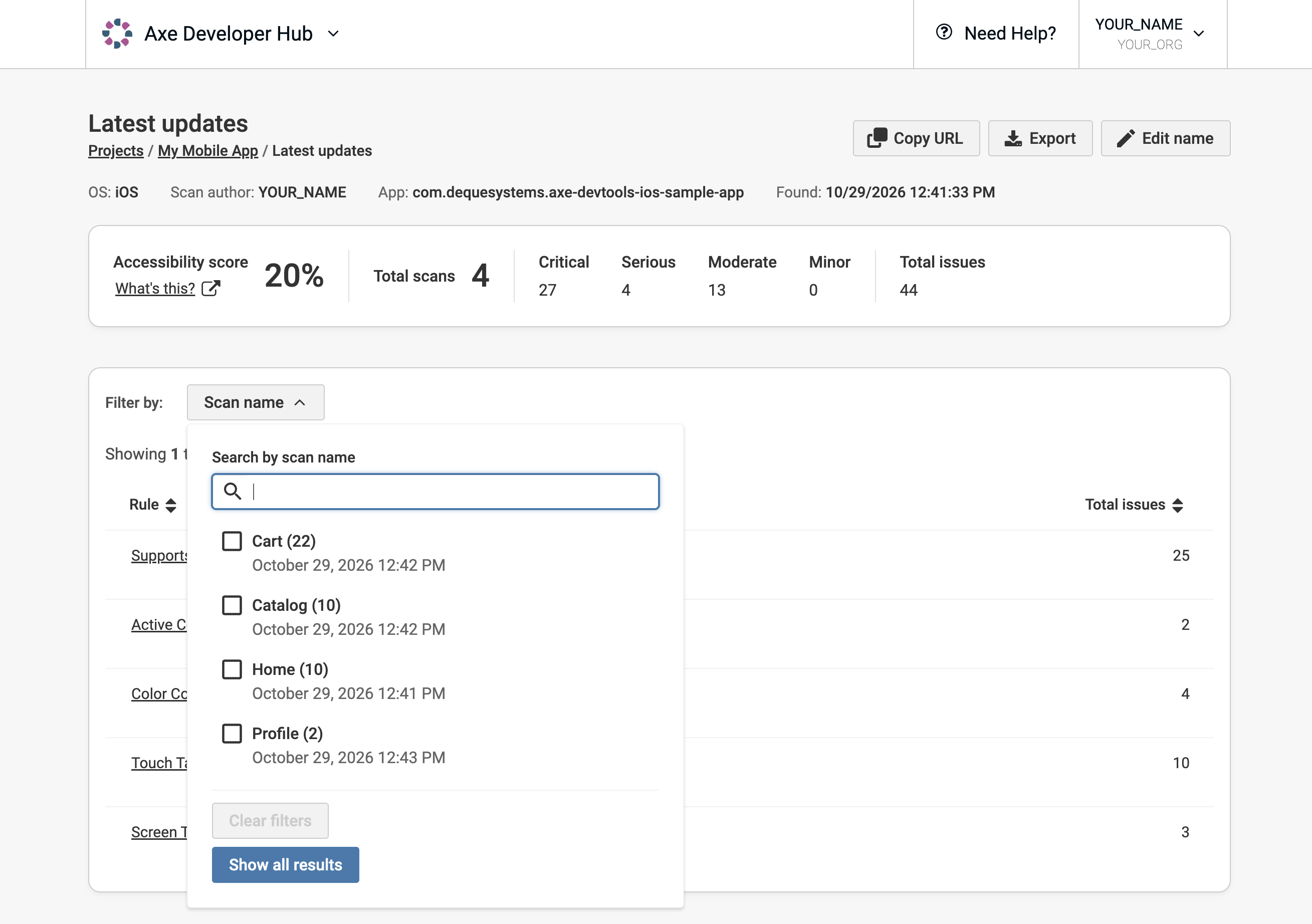
The summary page shows aggregated results for all the screens in your app that were scanned. You can filter issues by scan name to hone in on certain results and view your issues screen by screen.