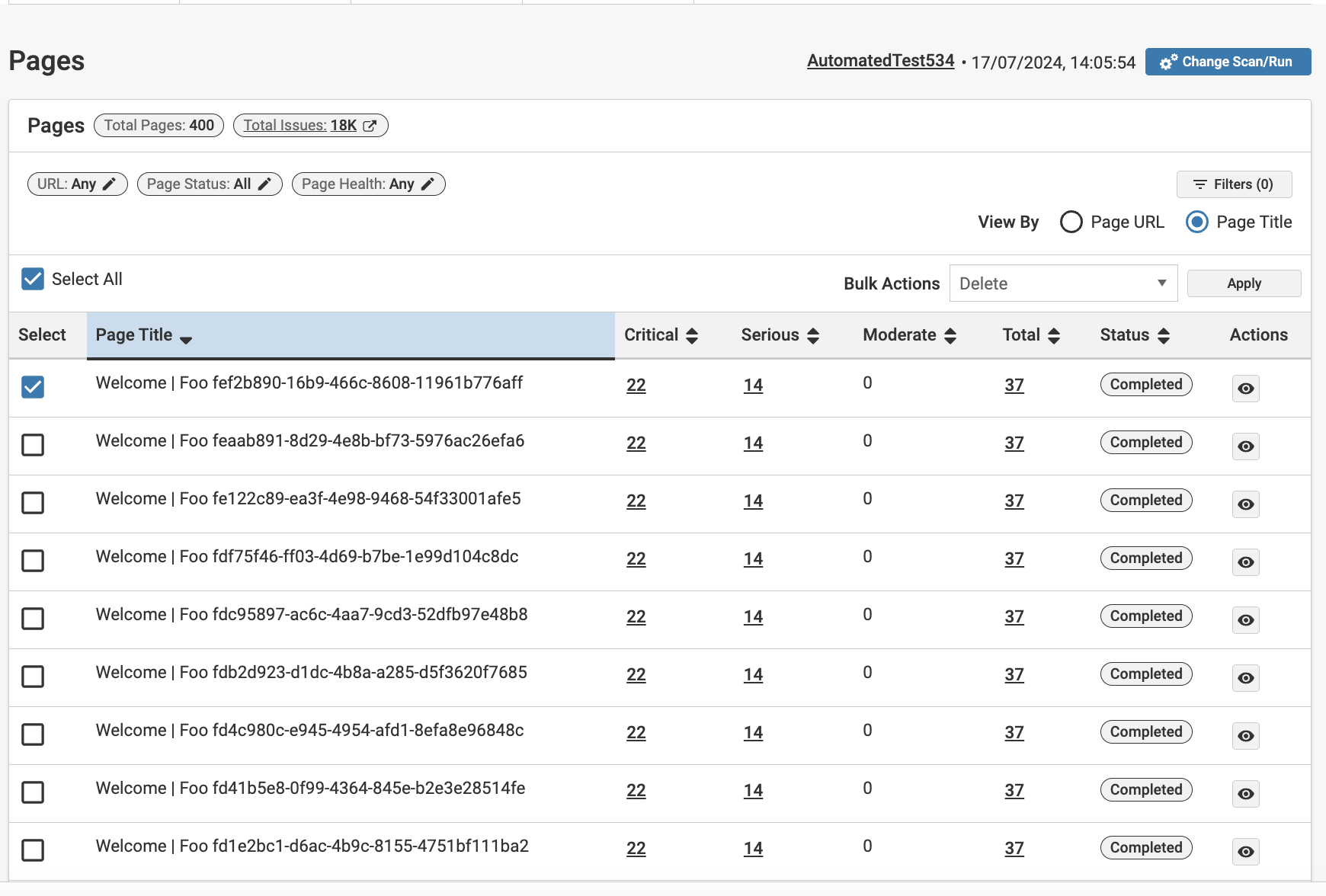
Bulk Actions on the Pages View
Bulk Actions on the Pages View
You can export a list of pages or delete results for several pages at once.
Before performing a bulk action, select all or individually select the pages you want to update. The Bulk Actions dropdown will activate.
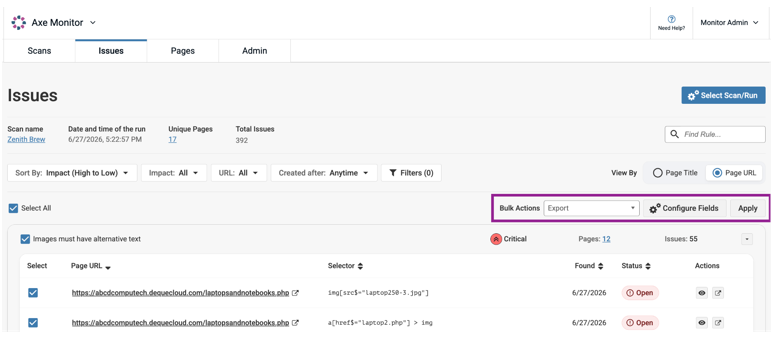
Export
Page lists can be exported as CSV or axe Universal JSON files.
CSV Export
When you select Export from the dropdown, a button to Configure Fields appears. To reduce the number of columns in your CSV file, select only the columns relevant to you. Select Apply to generate your page download.
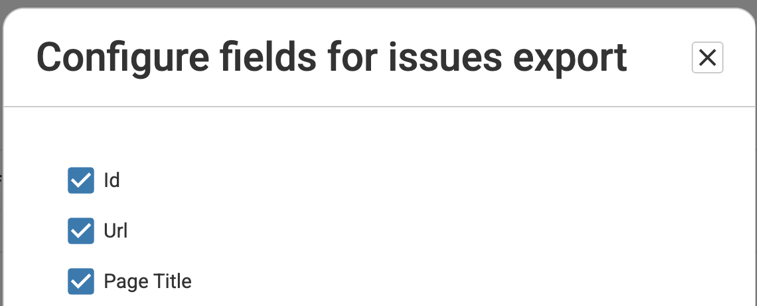
Note: When you select the Source URL option and export a CSV file from the Issue Details page, the exported file includes links to the corresponding Issue Details view. Clicking a link opens the issue details in a new browser tab. To access issue details through the exported links, you must be signed in to Axe Monitor.
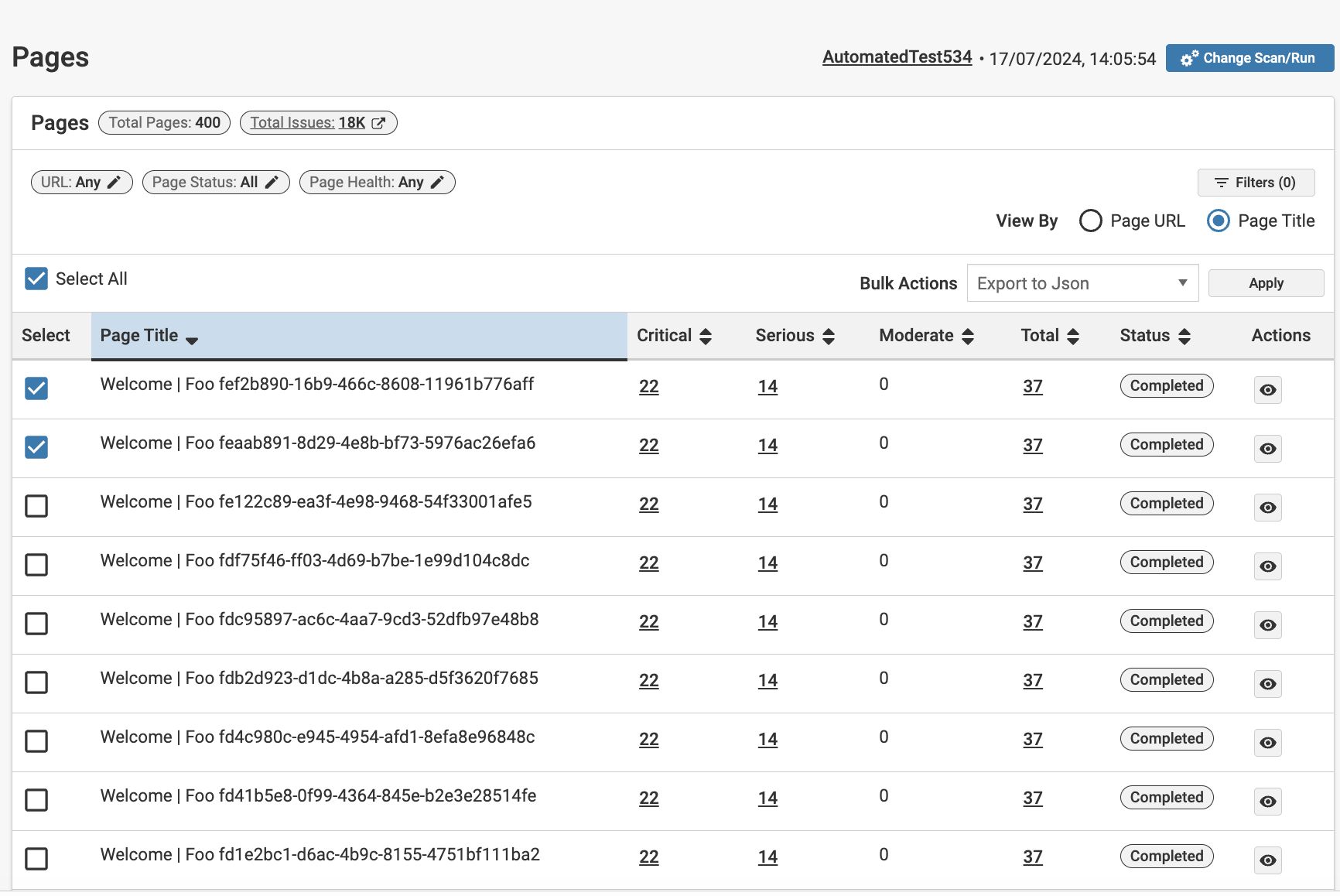
JSON Export
When you select Export to JSON and select Apply, a JSON file with your pages will be downloaded. This file uses the Axe Universal format.
Delete
Use this option with caution. When you select Delete and then Apply, pages and their associated issues are deleted from the scan run. This action cannot be reversed.