
Edit Clients
Not for use with personal data
To edit an existing client information for your organization, perform the following steps:
-
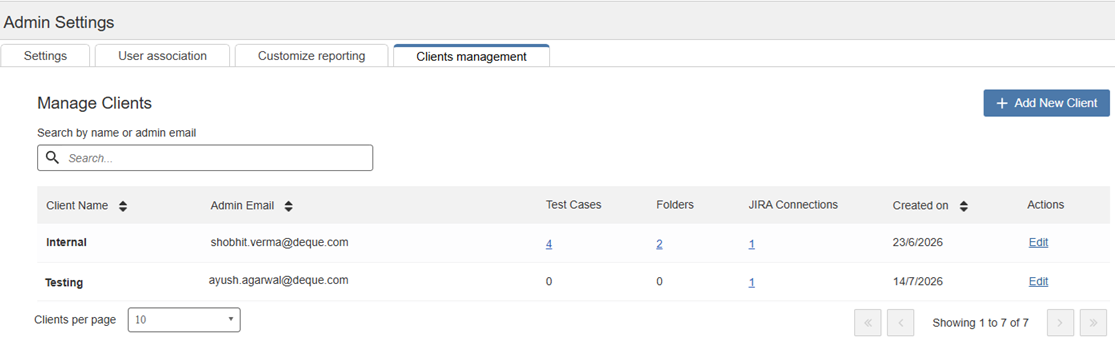
On the Axe Auditor homepage, click Admin Settings and then Clients management. The Manage Clients page appears.
-
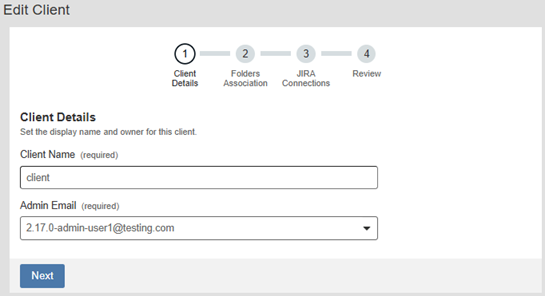
Select the client name and under Actions column, click Edit. The Client details page will appear.
-
Complete Steps 2–12 as described in the Add Clients section.