
Free and Premium Plans
The Axe MCP Server Free plan launches on November 12, 2026. Until then, the Free plan features described here aren't available.
The Axe MCP Server is available on two plans:
- Free — unlimited scans with the
analyzetool, using the standard axe-core ruleset. No credit card required. - Premium — included with Axe DevTools for Web. Adds Advanced Rules, automated Intelligent Guided Tests, and AI-powered fixes with the
remediatetool.
Both plans run the same server. Distributions, authentication, and client setup are identical, so everything in Getting Started applies to either plan.
Compare plans
| Free | Premium | |
|---|---|---|
analyze scans |
Unlimited | Unlimited |
| Ruleset | Standard axe-core | Standard axe-core plus Advanced Rules |
| Intelligent Guided Tests | Not included | Keyboard, Interactive Elements, and Modal Dialog |
remediate tool |
Not included | AI-powered fix guidance for every issue found |
| AI credits | Not included | Monthly allocation shared across your organization |
| Governance | Not included | Axe Configuration |
| Deployment | Deque's cloud (SaaS) | SaaS, private cloud, or on-premises |
| Authentication | API key or OAuth 2.0 | API key or OAuth 2.0 |
| Support | This documentation | Deque Help Desk |
Getting the Free plan
- Sign up at axe.deque.com/signup?product=axe-mcp-server.
- Create credentials for the server: an API key or an OAuth 2.0 login. Signing up doesn't create either one for you. See Authentication.
- Choose a distribution and configure your client: VS Code with Copilot, Cursor, or Claude Code.
Using a regional instance? The same signup path works on Deque's EU, Australia, and Frankfurt instances: axe-eu.deque.com, axe-au.deque.com, and axe-frankfurt.deque.com, each followed by /signup?product=axe-mcp-server. Set AXE_SERVER_URL to that instance's URL when you configure your client.
If your account belongs to an enterprise
If your Axe account belongs to an enterprise organization, you can't activate the Free plan yourself — ask your enterprise administrator for access.
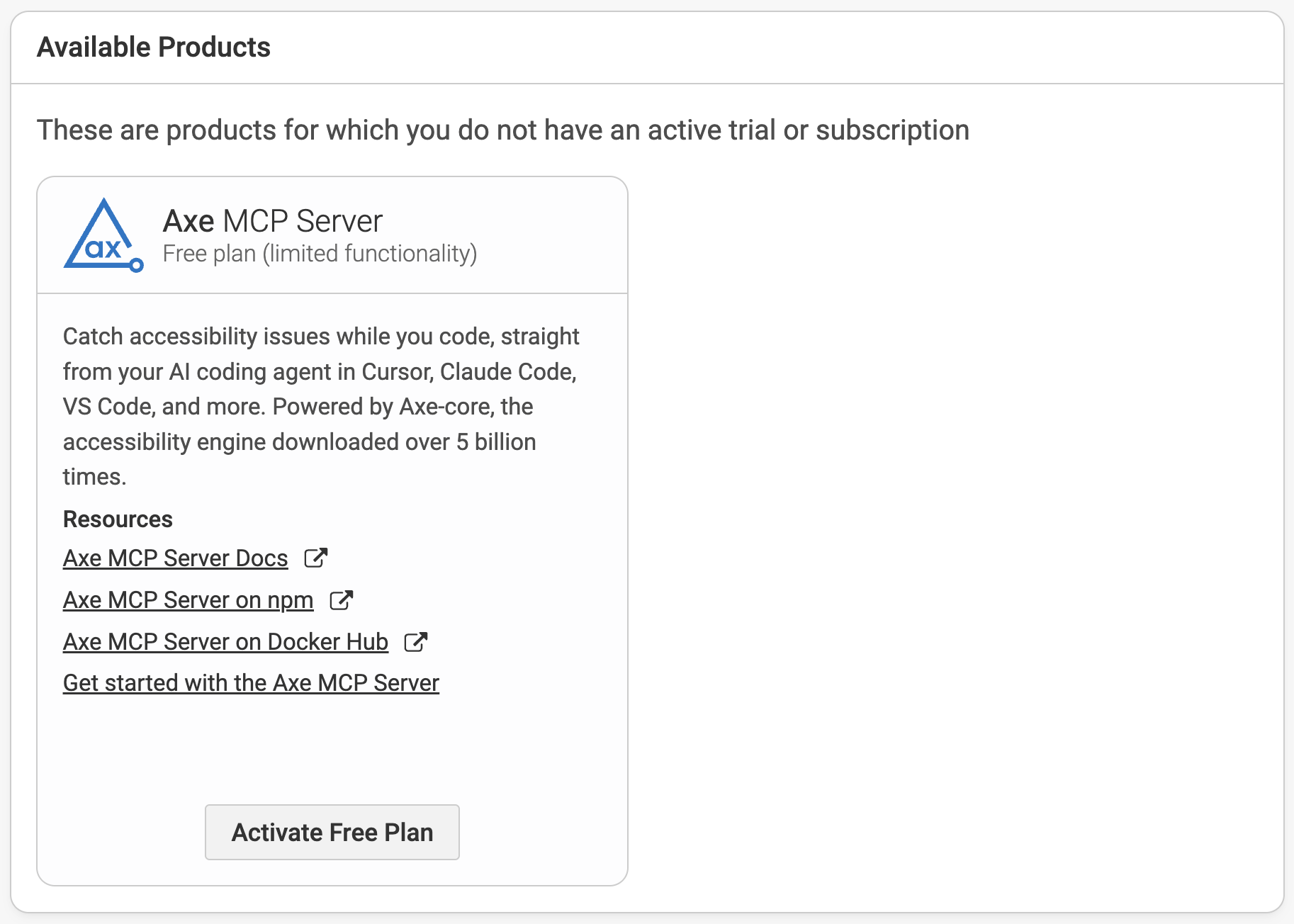
Administrators can add the Free plan from the Available Products section of the Axe Account Portal by selecting Activate Free Plan on the Axe MCP Server card, then assign it to users.
What happens on the Free plan
On the Free plan, every tool stays listed in your MCP client. Premium features return a short upgrade message instead of an error, and your coding agent relays it to you.
Advanced Rules
analyze runs the standard axe-core ruleset only. The response's advancedRules block reports tier_locked as its source:
{
  "advancedRules": {
    "value": "disabled",
    "source": "tier_locked"
  }
}
The advancedRules argument and the AXE_ADVANCED_RULES environment variable have no effect. If you request a preset anyway, the response's messages array explains why it didn't run.
Intelligent Guided Tests
If you ask for guided tests with igtTools, the axe scan still runs and returns its results as usual. In place of the guided-test results, data.igt contains an upgrade prompt:
{
  "data": {
    "axe": [ ... ],
    "igt": {
      "upgradeRequired": true,
      "tool": "igt",
      "reason": "enterprise-feature",
      "message": "...",
      "upgradeUrl": "..."
    }
  }
}
The remediate tool
A remediate call returns the same upgrade prompt in place of fix guidance:
{
  "data": {
    "upgradeRequired": true,
    "tool": "remediate",
    "reason": "enterprise-feature",
    "message": "...",
    "upgradeUrl": "..."
  }
}
Your agent can still fix the issues analyze finds on its own, without Deque's remediation guidance, and re-run analyze to verify the fixes.
Upgrade reminders
Occasionally, the analyze response's messages array includes a short note about Premium. Your scan results are unaffected.
Upgrading to Premium
Premium is part of Axe DevTools for Web. To upgrade, request a demo and a Deque representative will help you set it up.
The server checks your plan when it starts. After your account is upgraded, restart the MCP server, or your MCP client, to switch to Premium.