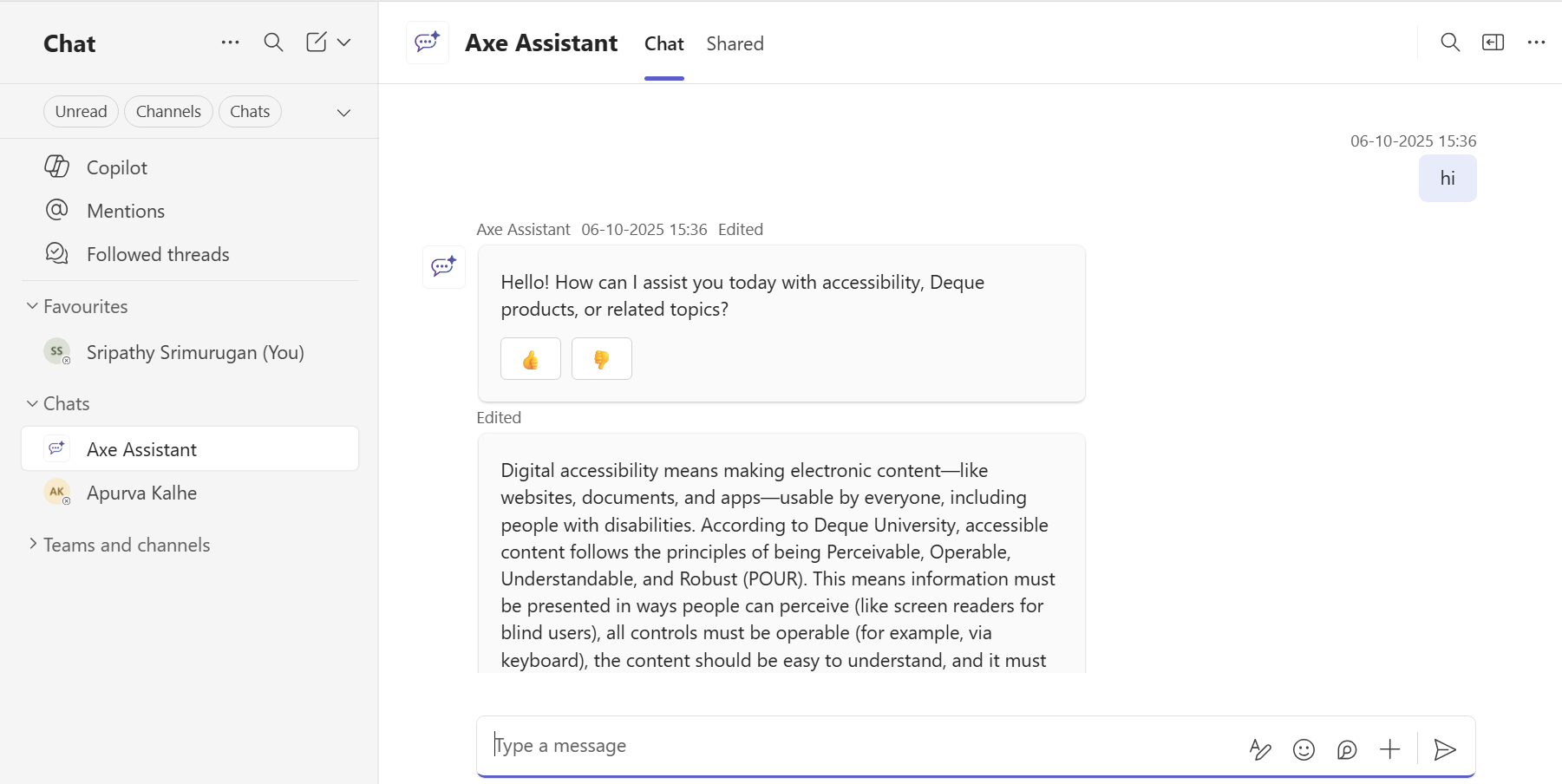
Logging onto Axe Assistant
Not for use with personal data
Only authorized users will have access to Axe Assistant. Users should have installed the application in Microsoft Teams. To know more about the axe Assistant installation, see How to Install Axe Assistant in Teams.
To log in to Axe Assistant in the Teams application, perform the following step:
-
On the Teams application, under Chats, click Axe Assistant. The Axe Assistant Chat page is displayed.