
Shared
Not for use with personal data
The Shared option allows you to view the shared files. This feature helps keep all shared content organized and easily accessible, allowing users to quickly locate and collaborate on important documents.
To view the shared files and links, perform the following steps:
- On the Axe Assistant homepage, click Shared. The Shared page is displayed.
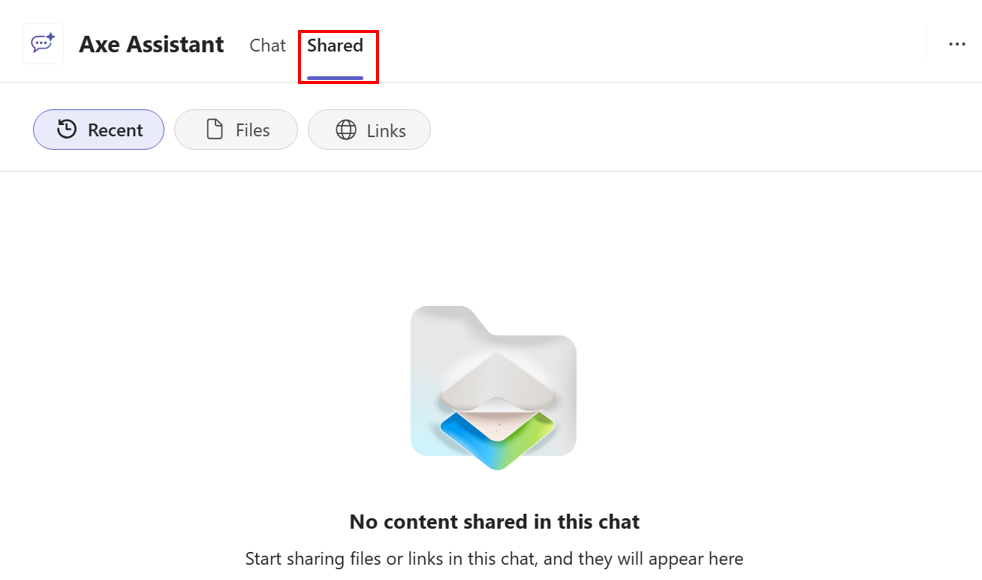
The Shared page displays all the files and links that have been shared within the Teams environment. You can click on any file or link to open it directly from the Shared page.
- Recent: This option allows you to view all the recently shared files.
- Files: This option allows you to view all the shared files.
- Links: This option allows you to view all the shared links.