アクセシビリティスコア

This page is not available in the language you requested. You have been redirected to the English version of the page.
Link to this page copied to clipboard
Not for use with personal data

アクセシビリティスコアは、一連のスキャンによって引き起こされる可能性のあるリスクを表しています。スコアが高いほど、リスクは低くなります。あなたのアクセシビリティスコアは、単一のスキャンまたは複数のスキャンの相対的なリスクを評価します。

スコアの計算についてさらに読むには、 スコアの計算 をご覧ください。現在のアルゴリズムとモバイルSDKまたはAppiumを使用してローカルでスコアを計算する方法について学びます。

個別スキャンのスコアを見る

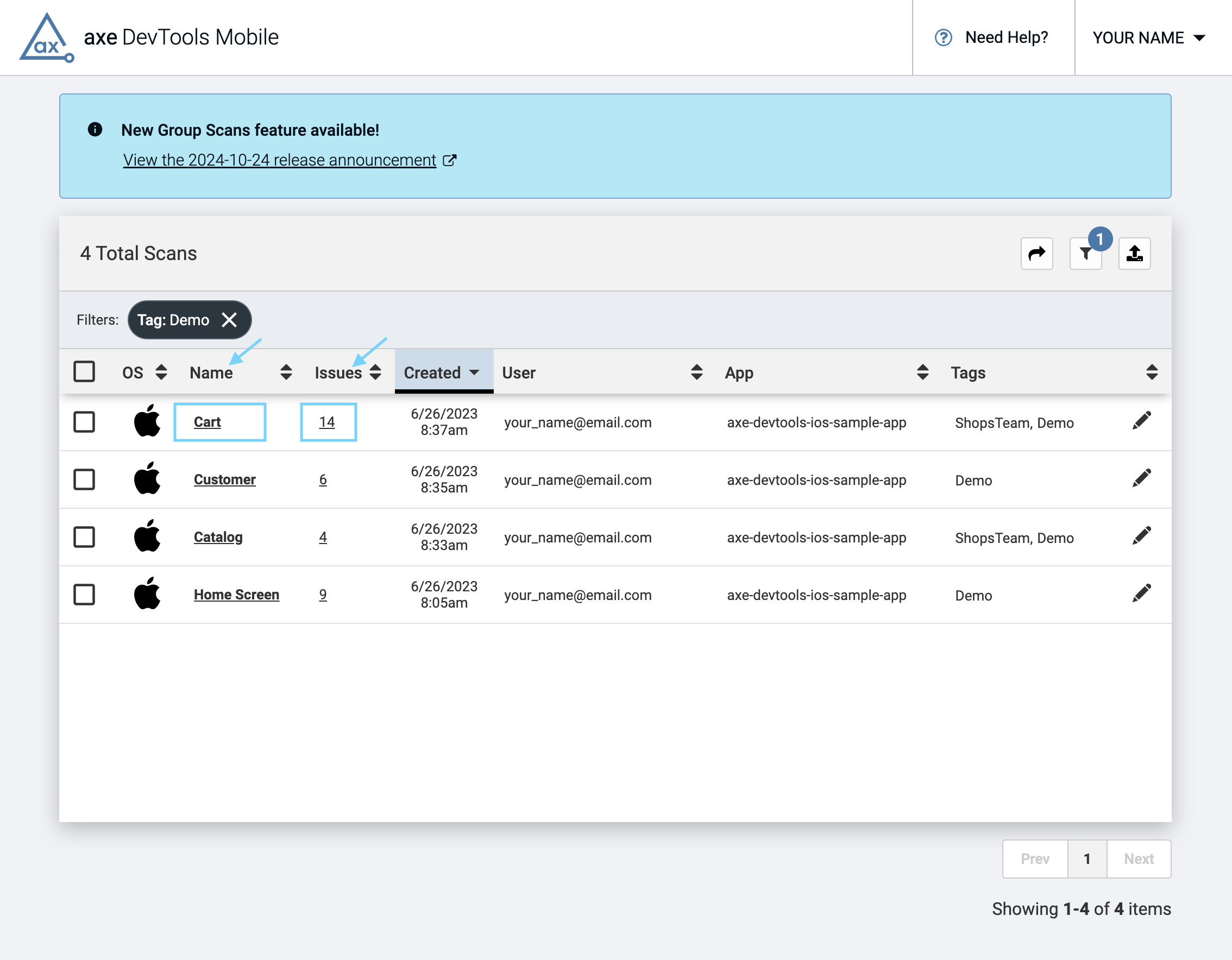
  • スキャンの 名前 または 問題 の数をクリックしてください。そのスキャンは新しいページに読み込まれます。
Page showing a table of scans that have been run. The 'Name' and 'Issue' columns are highlighted, as well as the links under those columns that a user would click to view a scan.
  • スキャン名のすぐ下にアクセシビリティスコアが表示され、その画面のすべての問題に関するデータが表示されたテーブルが続きます。
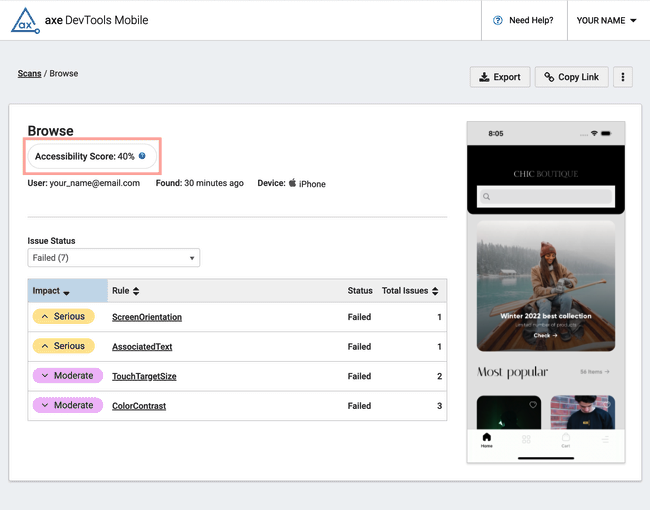
Page showing the number of issues in an individual scan, with the accessibility score highlighted. The score is 0% because there is at least one Critical issue.

複数スキャンのスコアを見る

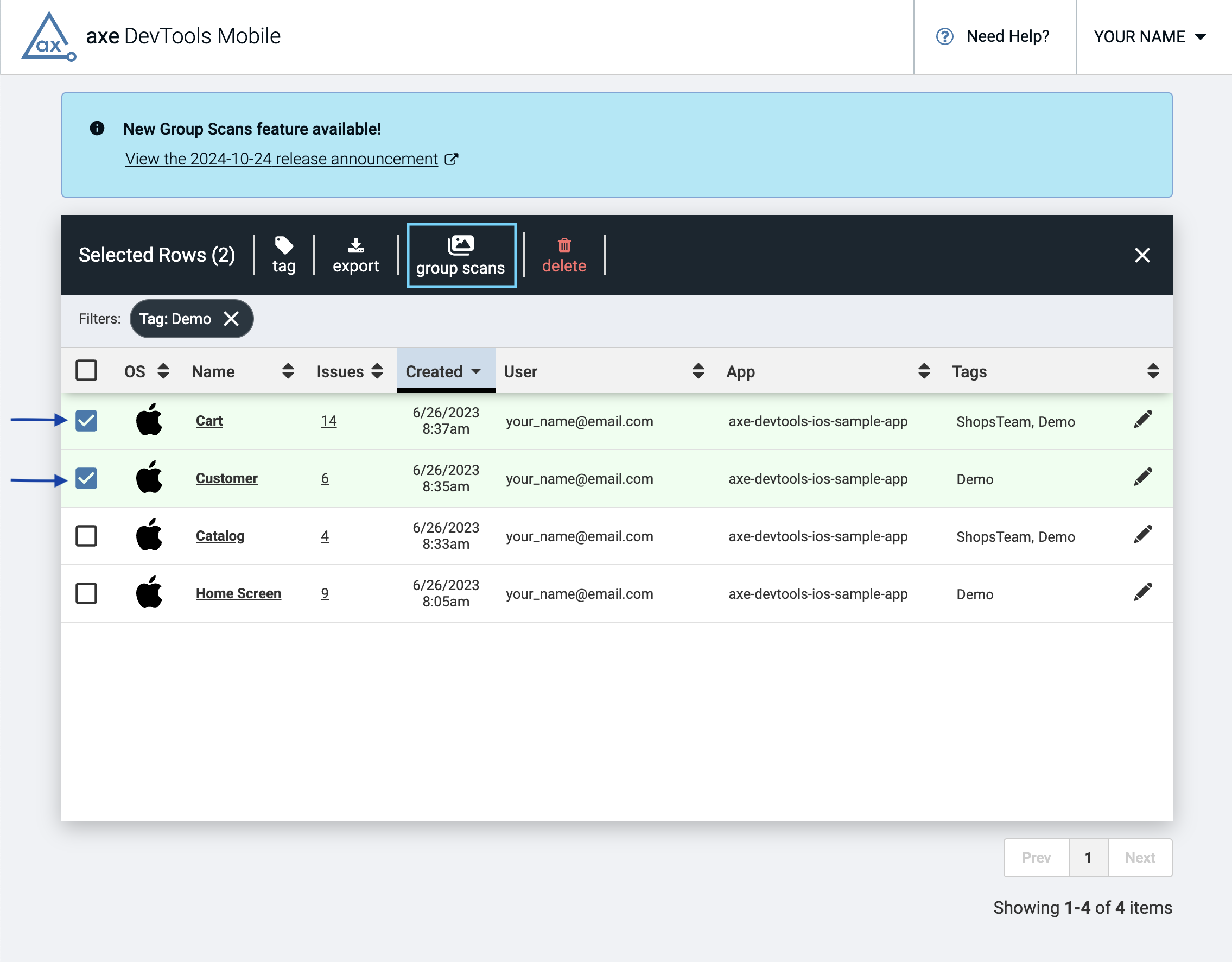
  • グループ化したいスキャンを選択するには、テーブルの左側の列のボックスをチェックします。テーブルの上にバナーが表示され、「 スキャンをグループ化」オプションを選択します。確認後、グループスキャンは新しいページに読み込まれます。
Page showing a table of scans, with two of the scans selected and a black banner above the table with the option to 'group scans' highlighted.

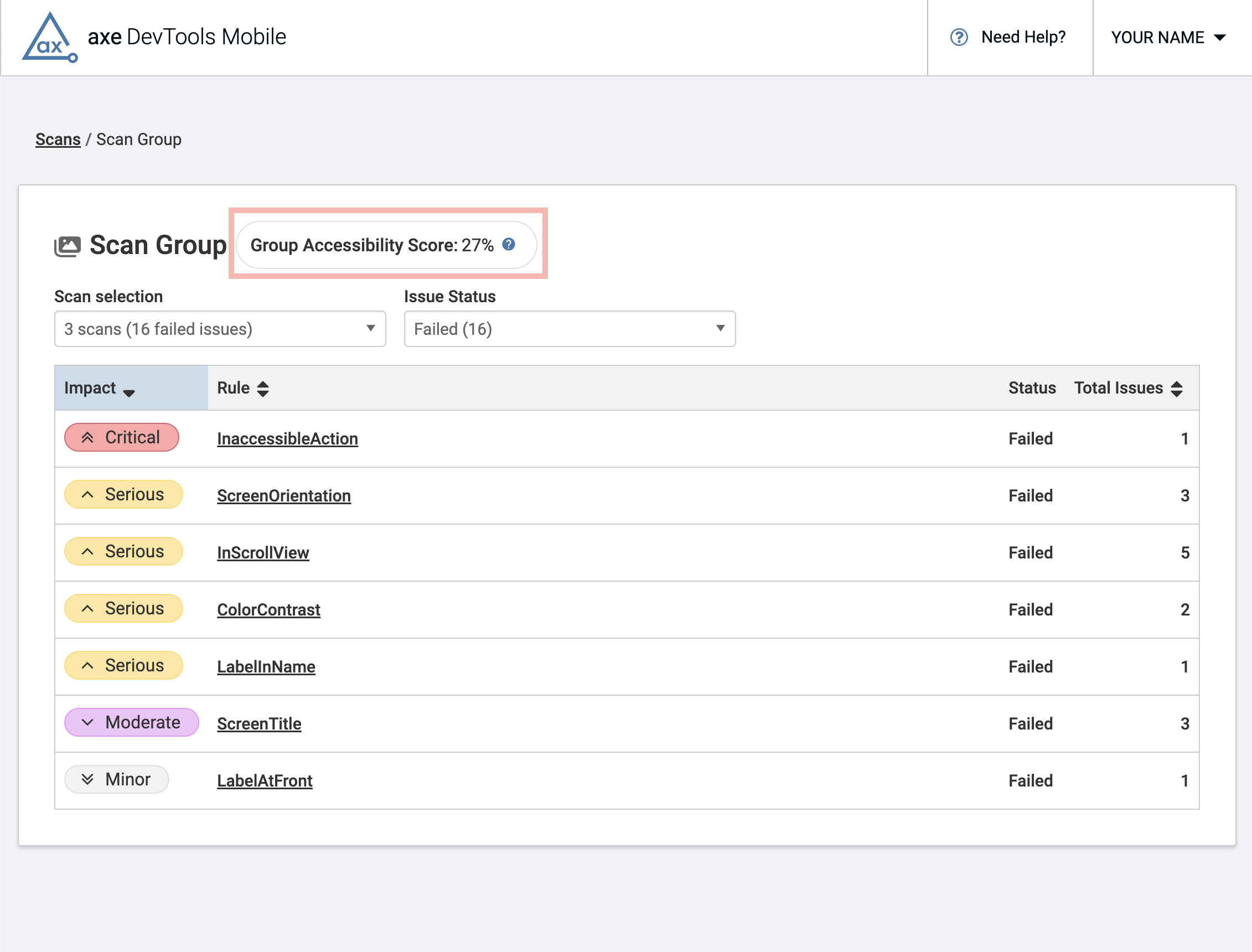
グループアクセシビリティスコア 」が表示され、そのグループに含まれる画面のすべての問題に関するデータが表示されたテーブルが続きます。

Page showing the number of issues in a group scan, with the group accessibility score highlighted. The score is 0% because there is at least one Critical issue.

このスコアは、axe DevTools Mobileテストの結果のみで計算されており、アクセシビリティの健康状態を完全に表しているとは言えません。