
Axe DevTools Mobile Analyzer for iOSの更新
iOSまたはiPadOSアプリケーションの包括的なアクセシビリティテストのために、最新バージョンで常に最新の状態を保ちましょう。
Not for use with personal data
iOSアクセシビリティルールの最新バージョンを実行していることを確認するには、Axe DevTools Mobile Analyzerの最新バージョンを最新ダウンロードで実行していることを確かめてください。アプリケーションが開いているときは、上部のシステムメニューで「Axe DevTools Mobile Analyzer」、次に「Axe DevTools Mobile Analyzerについて」をクリックします。これにより、バージョン情報を含む新しいウィンドウが開きます。
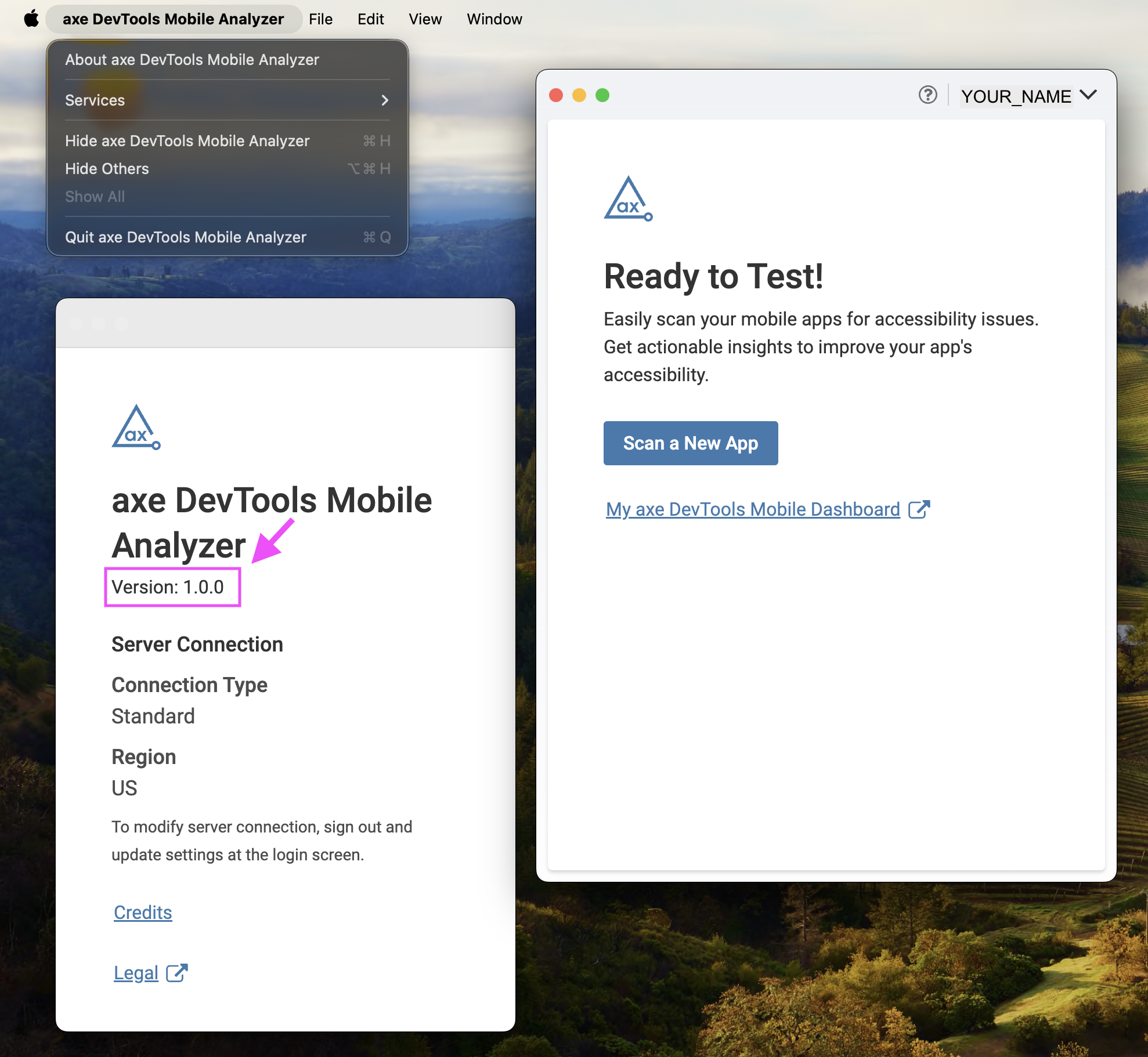
Axe DevTools Mobile Analyzerを更新するには:
- 現在コンピュータにインストールされているアプリをゴミ箱に移動します。
- Mobile Analyzerの最新バージョンをダウンロードするには、Agoraにログインしてください。
- 検索しないでくださいページが読み込まれるときにパッケージを検索しないでください。代わりに、Axe DevTools Mobile Analyzerをインストールするの手順に戻り、すべてのステップを繰り返してください。